Crop Images in Diamond Shape Online — Free
Add a geometric edge to your photos with diamond-shaped cropping. Ideal for creative portfolios, presentation graphics, and unique social media content.
Start Cropping →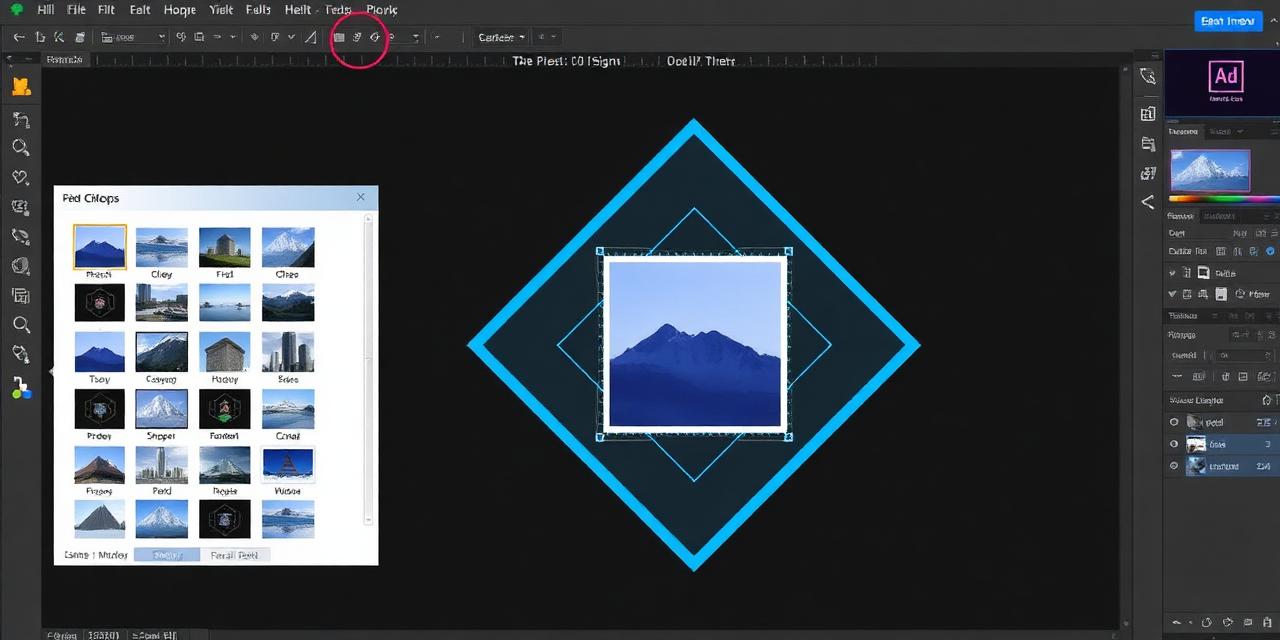
Add a geometric edge to your photos with diamond-shaped cropping. Ideal for creative portfolios, presentation graphics, and unique social media content.
Start Cropping →
Upload, position within the diamond frame, and download. Fast, private, and completely free.
or click to browse files
Choose Image↕ Drag the image to reposition it
Click the upload area or drop your image file to load it into the diamond cropping tool.
Use zoom and drag controls to position your image within the diamond-shaped frame.
Download your diamond-cropped image as a transparent PNG ready for use in any project.
Diamond shapes bring a striking, modern look to your photos that stands out in portfolios and presentations.
No need to download heavy software. Crop images into diamonds instantly using just your web browser.
Export your cropped images at 1024×1024 pixels in PNG format, suitable for both digital and print use.
Use diamond-cropped images for playing card designs, jewelry branding, luxury product showcases, and more.
Full functionality on smartphones and tablets with touch-friendly controls and responsive layout.
Completely free tool with no watermarks, no sign-up requirements, and unlimited usage.