Crop Images in Rectangle Shape Online — Free
Crop your photos into clean rectangular frames for banners, thumbnails, and website headers. Quick, free, and completely browser-based.
Start Cropping →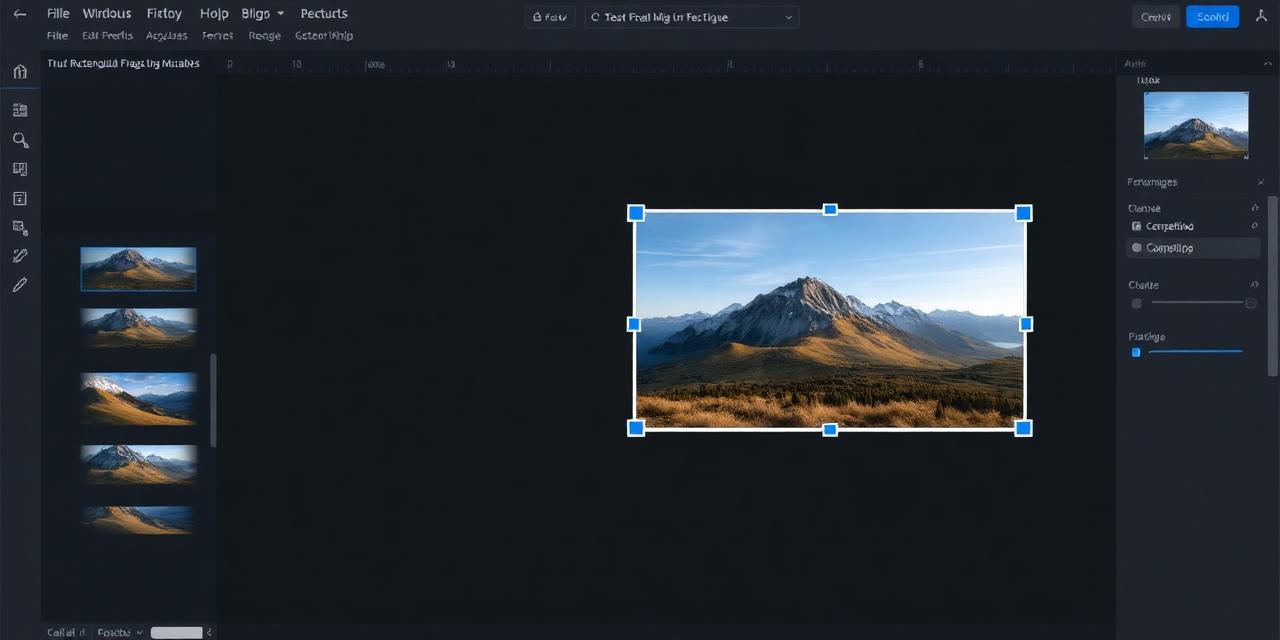
Crop your photos into clean rectangular frames for banners, thumbnails, and website headers. Quick, free, and completely browser-based.
Start Cropping →
Upload your photo, frame it within the rectangle crop area, and download. Your image never leaves your device.
or click to browse files
Choose Image↕ Drag the image to reposition it
Upload your image by clicking the upload area or dragging your photo directly onto the tool.
Adjust the zoom level and drag your image to position it perfectly within the rectangular crop area.
Click the download button to save your rectangle-cropped image as a high-resolution PNG file.
Rectangle crops are ideal for website banners, email headers, and social media cover images with precise framing.
Your images stay on your device. Nothing gets uploaded to any server, ensuring complete privacy.
No waiting for server processing. Get your cropped image in milliseconds thanks to local canvas rendering.
Great for YouTube thumbnails, blog headers, and social media posts that require rectangular image formats.
Compatible with all modern browsers on desktop, tablet, and mobile devices. No plugins or extensions needed.
CamCrop is completely free with no hidden charges, premium tiers, or watermarks on your downloads.