Crop Images in Rhombus Shape Online — Free
Give your photos a distinctive rhombus crop for unique visual appeal. Ideal for geometric design layouts, creative portfolios, and standout social media posts.
Start Cropping →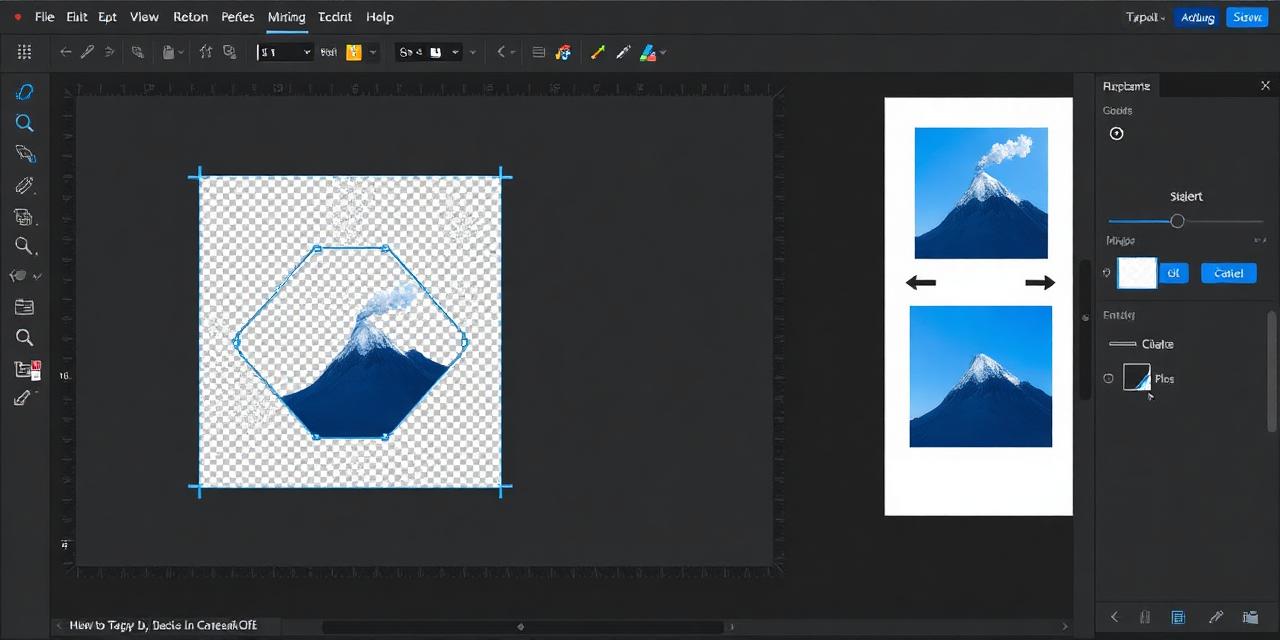
Give your photos a distinctive rhombus crop for unique visual appeal. Ideal for geometric design layouts, creative portfolios, and standout social media posts.
Start Cropping →
Upload, zoom, reposition, and download your rhombus-cropped image. All processing stays in your browser.
or click to browse files
Choose Image↕ Drag the image to reposition it
Upload your photo by clicking or dragging it into the rhombus cropping tool below.
Use the zoom and drag controls to frame your subject within the rhombus shape.
Download your rhombus-cropped image as a high-quality PNG with transparent background.
Rhombus crops offer a wider, more dynamic alternative to diamond shapes — perfect for creative and editorial layouts.
All cropping is done locally in your browser. No images are uploaded, stored, or shared with any third party.
Powered by HTML5 Canvas, your crops render instantly without any server round-trips or processing delays.
Rhombus shapes work beautifully in magazine layouts, geometric pattern designs, and mosaic photo collages.
Works on every device and browser — Chrome, Firefox, Safari, Edge on desktop, tablet, and mobile.
No limits on the number of images you can crop. Use CamCrop as often as you need, completely free of charge.