Crop Images in Star Shape Online — Free
Make your photos shine with star-shaped cropping. Great for awards, certificates, badges, and eye-catching social media graphics.
Start Cropping →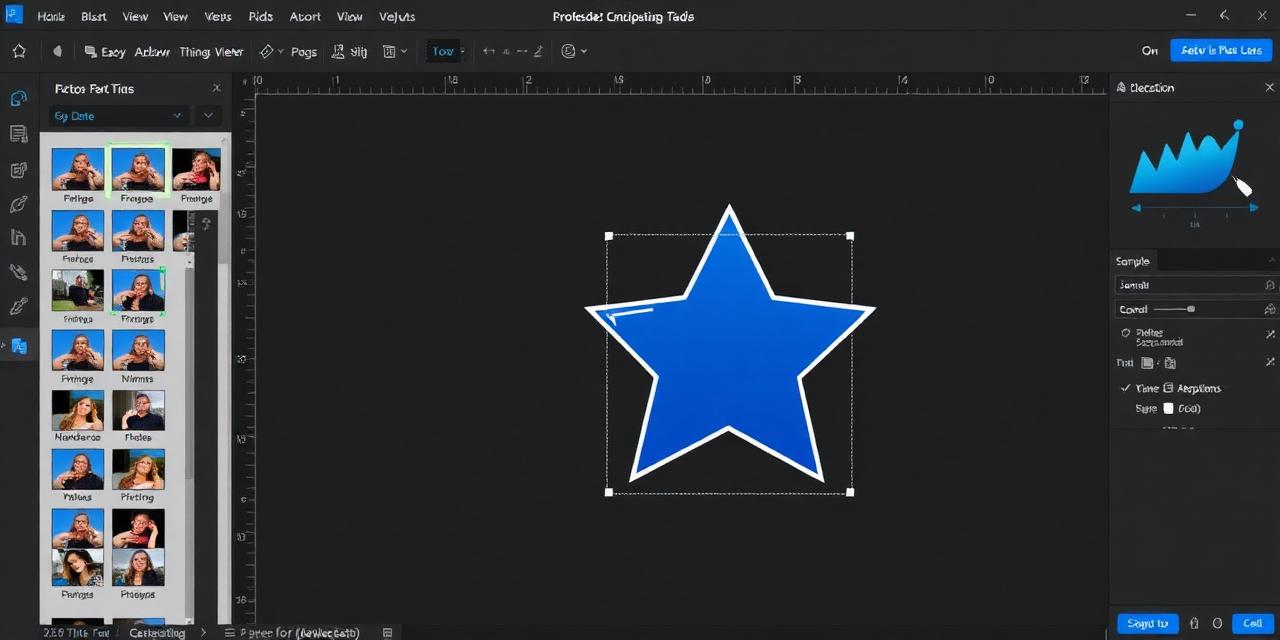
Make your photos shine with star-shaped cropping. Great for awards, certificates, badges, and eye-catching social media graphics.
Start Cropping →
Upload your image, frame it inside the star, and download. No server uploads — everything runs locally.
or click to browse files
Choose Image↕ Drag the image to reposition it
Upload your image by clicking the upload area or dragging your photo onto the star cropping tool.
Zoom and drag to position your image perfectly within the five-pointed star outline.
Click download to save your star-shaped image with a transparent background.
Star-shaped crops grab attention instantly. Perfect for award badges, rating icons, and promotional graphics.
Your image is cropped in milliseconds using HTML5 Canvas technology — no server delays or waiting.
High-resolution 1024px output with transparent backgrounds works great for both screen and print applications.
Star shapes are perfect for school projects, birthday invitations, and fun children's crafts.
Once loaded, the tool works entirely offline. Crop images anytime, anywhere — even without an internet connection.
Download clean, watermark-free images every time. Your cropped photos are yours to keep and use freely.